
Start with the job the logger must do
Begin by matching the logger to the risk. A small butcher’s cold room, a dairy chiller and a distribution truck need different logging ranges, probe types and memory sizes. If you only need a weekly temperature record for a back-up room, a simple internal logger may do. If you are tracing breakages after load-shedding or a compressor trip, you need faster sampling and a clearer alarm trail.
Think about what must be proven afterwards. For food storage, you may need a record that shows the room stayed within the set range, not just a brief average. For maintenance teams, the key question is often when the temperature began drifting and how fast it rose. That tells you whether to inspect doors, defrost settings, fans, or refrigerant charge.
Choose the right sensor for the space
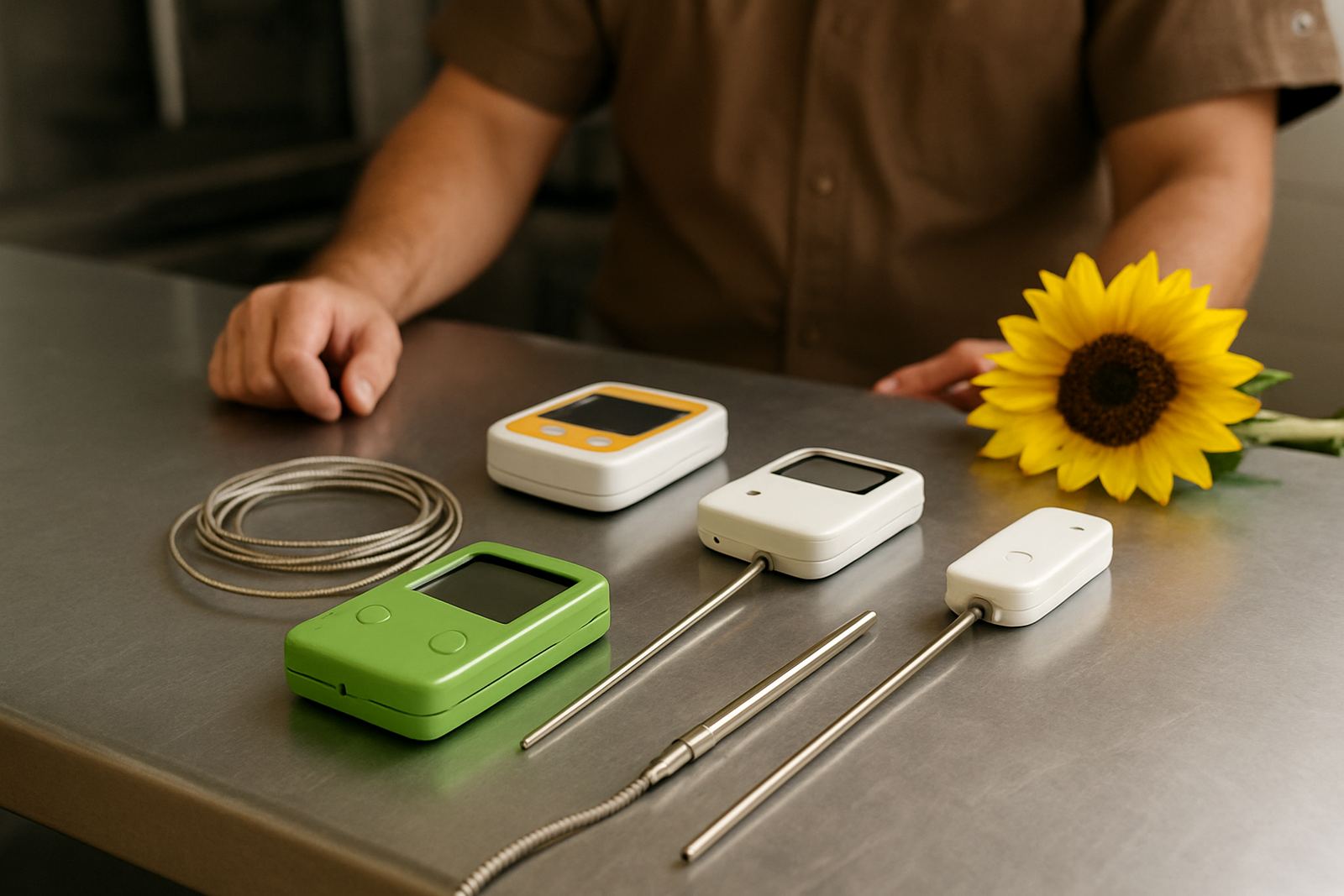
Sensor choice matters as much as the logger itself. An air sensor is useful for room temperature trends, while a product probe shows what stock actually experienced. In cold rooms with frequent door opening, the air can swing up and down very quickly. The product core changes more slowly, so it gives a better picture of real food safety.
- Use a room air probe for general monitoring and fast alarms.
- Use a product probe for stock risk, batch checks and audits.
- Use external probes where the logger body should stay outside the cold area.
- Use waterproof probes in washdown areas and where condensation is common.
On the coast around Gqeberha and Jeffreys Bay, moisture can affect fittings and cable seals. Make sure probes and leads are suited to humid rooms, not only to the temperature range on paper.
Set the sample rate to catch real faults
Logging once every hour may look tidy, but it can miss short failures. A door left ajar for 12 minutes, a frozen evaporator fan or a short power dip can be gone from the record if the interval is too long. For troubleshooting, a shorter interval gives a much better picture. For simple compliance records, a medium interval may be enough if the site is stable.
A good rule is to log more often where the room changes quickly. Chillers serving busy kitchens, retail stores or pack houses should usually be recorded more often than a quiet store room. If the site is affected by municipal supply issues or generator changeovers, faster logging helps show the moment power returned and whether the room recovered properly.
Make sure alerts match the real operation
Alerts are only useful if they are set for the actual working conditions. If the alarm is too sensitive, staff switch it off or ignore it. If it is too slow, product warms before anyone reacts. Set the alarm band around the normal operating range, then allow for door opening, defrost cycles and start-up after maintenance.
For sites with night security or out-of-hours care, choose a logger that can send notifications by SMS, email, or through a connected monitoring system. In smaller operations, a local audible alarm may be enough if someone is always nearby. In a multi-site business, remote alerts save time because the first sign of trouble often appears before the morning shift starts.
- Confirm who receives the alert after hours.
- Test the alarm after installation and after any control change.
- Check whether alarms can be delayed briefly during loading or defrost.
- Keep a written response plan beside the unit.
Check memory, battery life and record keeping
Many logging problems only appear when the data is needed. Some units hold weeks of readings, others store months. If the site is audited monthly, or if you only download data now and then, choose enough memory for the longest period between checks. Battery life matters too, especially where power cuts or maintenance shutdowns happen. A logger should keep recording through outages and restart cleanly when supply returns.
Look for a simple way to download and save records. If the data format is hard to read, the value is lost when a customer or inspector asks for proof. Keep records by site, room and date. That makes it easier to compare a bad day with the maintenance log and find the cause. It is also useful when a cold room has repeated small faults that never look serious on their own.
Use the logger as a fault finding tool
A good logger does more than prove compliance. It helps the technician see whether the problem is airflow, defrost timing, door seals, control settings or a refrigerant leak. For example, a slow upward drift every afternoon may point to heavy usage or poor door discipline. A sudden step change after a service may suggest a setting change, a sensor issue or a control fault. A flat line that never moves can mean the probe has been fixed in the wrong spot, or its reading is not being trusted.
For cold rooms and chillers in places like Uitenhage, Despatch and Port Alfred, we often advise matching the logger to the actual site layout. Long cable runs, exposure to salt air, and frequent cleaning all affect how well the system performs. The best logger is the one the team will use every week, not just the one with the most features.
- Inspect probe position before blaming the plant.
- Compare logger data with compressor run hours and service notes.
- Keep one logger available for temporary fault investigations.
- Review trends after coil cleaning, control upgrades or a gas conversion.